YouTube Thumbnail Preview Tool
Test your YouTube thumbnail and video title before publishing. Preview how they'll appear across desktop, mobile, and tablet devices in real YouTube layouts. Optimize for maximum click-through rates with our free thumbnail testing tool.
Recommended size: 1280x720 pixels (16:9 ratio)
Keep it under 60 characters for best visibility
Desktop View - Grid Layout
Upload or load samples
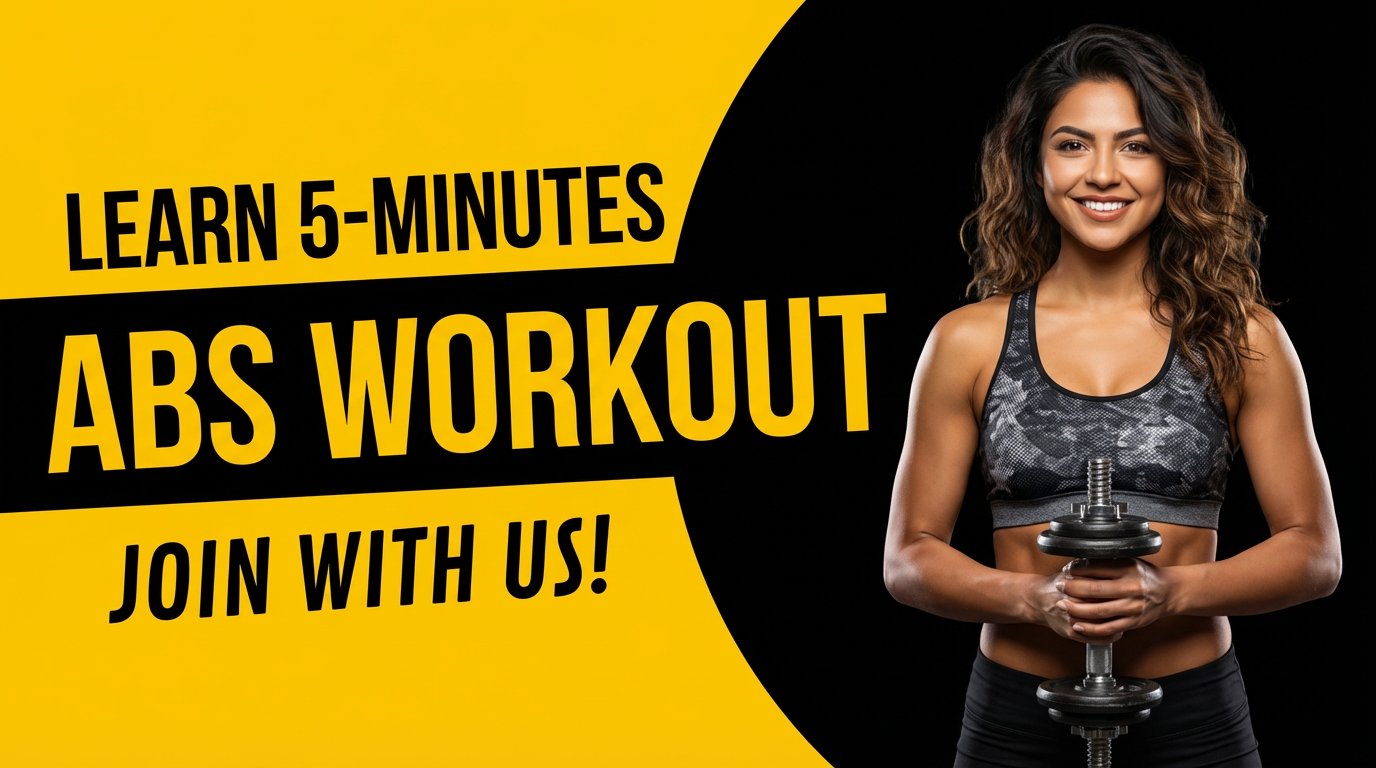
Learn 5-Minutes ABS WORKOUT Join with US!
Fitness Pro
352K views • 2 days ago

Discipline Beats Motivation Every! How?
Mindset Coach
523K views • 5 hours ago

Hidden Gem! Kyoto's Secret Garden
Travel Diaries
189K views • 1 day ago
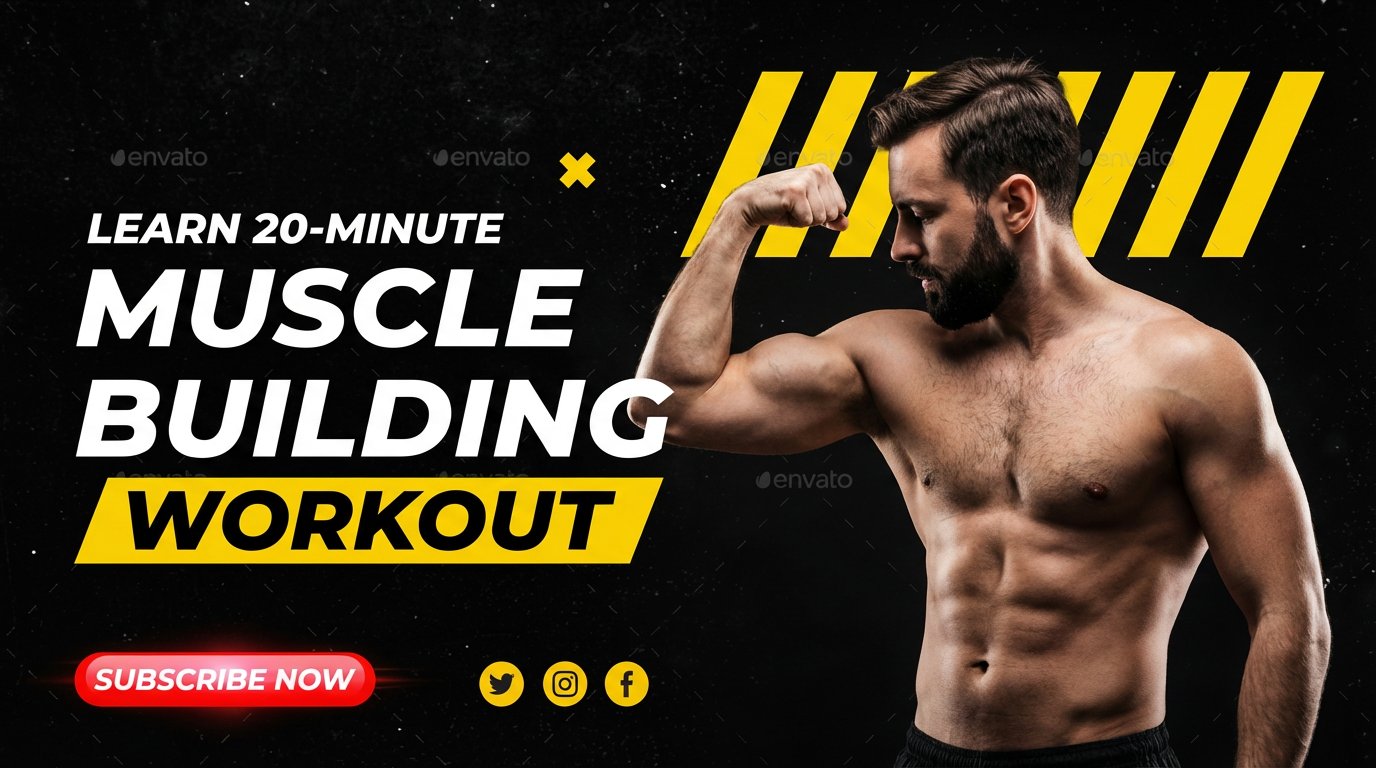
Learn 20-Minute Muscle Building Workout
Gym Master
445K views • 3 days ago

What I learned from 100 days of Solo Travel
Adventure Seeker
678K views • 1 week ago
Desktop View - Expanded Layout
Upload or load samples
Learn 5-Minutes ABS WORKOUT Join with US!
Fitness Pro
352K views • 2 days ago
Discipline Beats Motivation Every! How?
Mindset Coach
523K views • 5 hours ago
Hidden Gem! Kyoto's Secret Garden
Travel Diaries
189K views • 1 day ago
Learn 20-Minute Muscle Building Workout
Gym Master
445K views • 3 days ago
What I learned from 100 days of Solo Travel
Adventure Seeker
678K views • 1 week ago
Mobile View (70% of YouTube Traffic)
Upload or load samples
Learn 5-Minutes ABS WORKOUT Join with US!
Fitness Pro • 352K views • 2 days ago
Discipline Beats Motivation Every! How?
Mindset Coach • 523K views • 5 hours ago
Your thumbnail is the first impression viewers get of your content. Studies show that 90% of the best-performing videos on YouTube have custom thumbnails. Before you publish, use our preview tool to ensure your thumbnail stands out in crowded feeds and drives maximum clicks.
- Test readability: Ensure text and graphics are clear at small sizes across all devices
- Compare with competitors: See how your thumbnail performs against similar content
- Optimize for mobile: 70% of YouTube watch time comes from mobile devices
- Verify title & thumbnail synergy: Ensure they work together to tell your story
How YouTube Thumbnails Impact Your Video Performance
YouTube thumbnails are the most critical factor in determining whether viewers click on your video. With millions of videos competing for attention, your thumbnail needs to be eye-catching, informative, and optimized for all screen sizes. Research shows that compelling thumbnails can increase click-through rates by up to 154%.
Our YouTube Thumbnail Preview Tool lets you test your designs in realistic contexts before publishing. You'll see exactly how your thumbnail appears in YouTube's home feed, search results, and suggested videos section - on both desktop and mobile devices. This real-world preview helps you identify issues with text readability, color contrast, and visual hierarchy that might not be obvious in your design software.
Best Practices for High-Performing YouTube Thumbnails
1. Use High-Resolution Images (1280x720 pixels)
YouTube recommends uploading thumbnails at 1280x720 pixels with a 16:9 aspect ratio. This ensures your thumbnail looks sharp across all devices and doesn't appear pixelated or stretched.
2. Make Text Large and Readable
Thumbnails appear very small on mobile devices. Use bold, sans-serif fonts with high contrast against the background. Keep text to 3-4 words maximum for optimal readability.
3. Use Contrasting Colors
Bright, contrasting colors help your thumbnail stand out in feeds. Avoid using too many colors - stick to 2-3 complementary colors that align with your brand.
4. Include Human Faces When Possible
Thumbnails with expressive human faces tend to perform better because they create emotional connections. Close-up shots with clear emotions work best.
Testing Your Thumbnails Across Different Devices
With over 70% of YouTube viewing happening on mobile devices, it's crucial to test how your thumbnail performs on smaller screens. What looks perfect on your desktop monitor might have illegible text or unclear visuals when viewed on a smartphone.
Our preview tool shows you exactly how your thumbnail will appear in YouTube's mobile app, tablet view, and desktop browser. You'll notice that mobile thumbnails are significantly smaller and compete with more elements on the screen. Use this tool to ensure your key message is visible and your thumbnail remains attention-grabbing regardless of the viewing device.
Optimizing Thumbnail and Title Combinations
Your thumbnail and video title work together as a team. The best YouTube videos use thumbnails that complement their titles rather than repeating the exact same information. For example, if your title says "How to Bake Perfect Chocolate Chip Cookies," your thumbnail might show the finished cookies with text highlighting a key benefit like "Crispy Edges, Gooey Center."
Use our preview tool to test different title and thumbnail combinations. Pay attention to how they work together in the context of other videos. Does your combination stand out? Does it create curiosity? Does it communicate value quickly? Testing different variations before publishing can significantly impact your video's initial performance.
Pro Tip:
Create 3-5 thumbnail variations for each video and test them using this tool. Choose the one that stands out most when placed alongside similar content. Many successful YouTubers A/B test their thumbnails after publishing to find the highest-performing design.